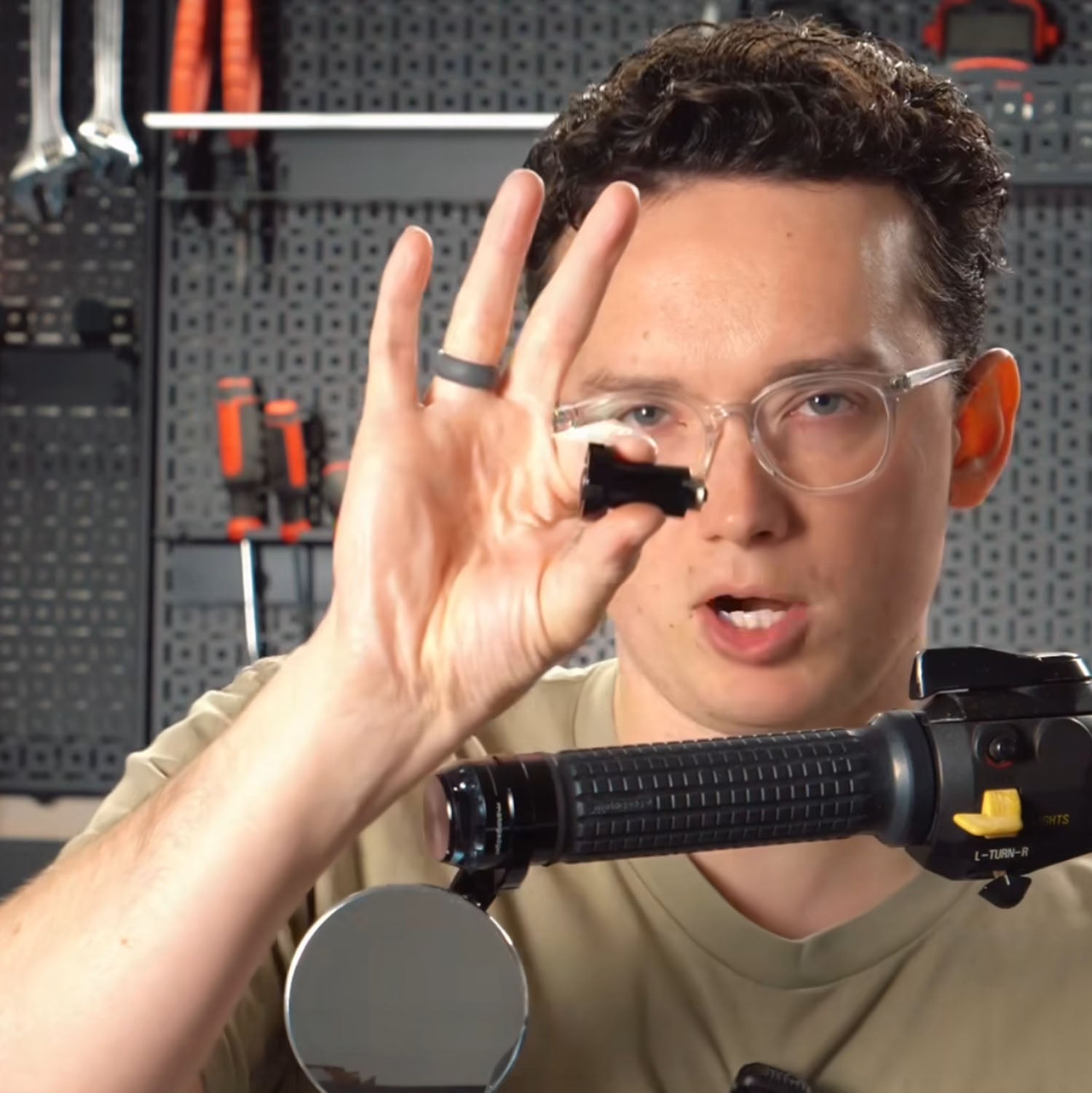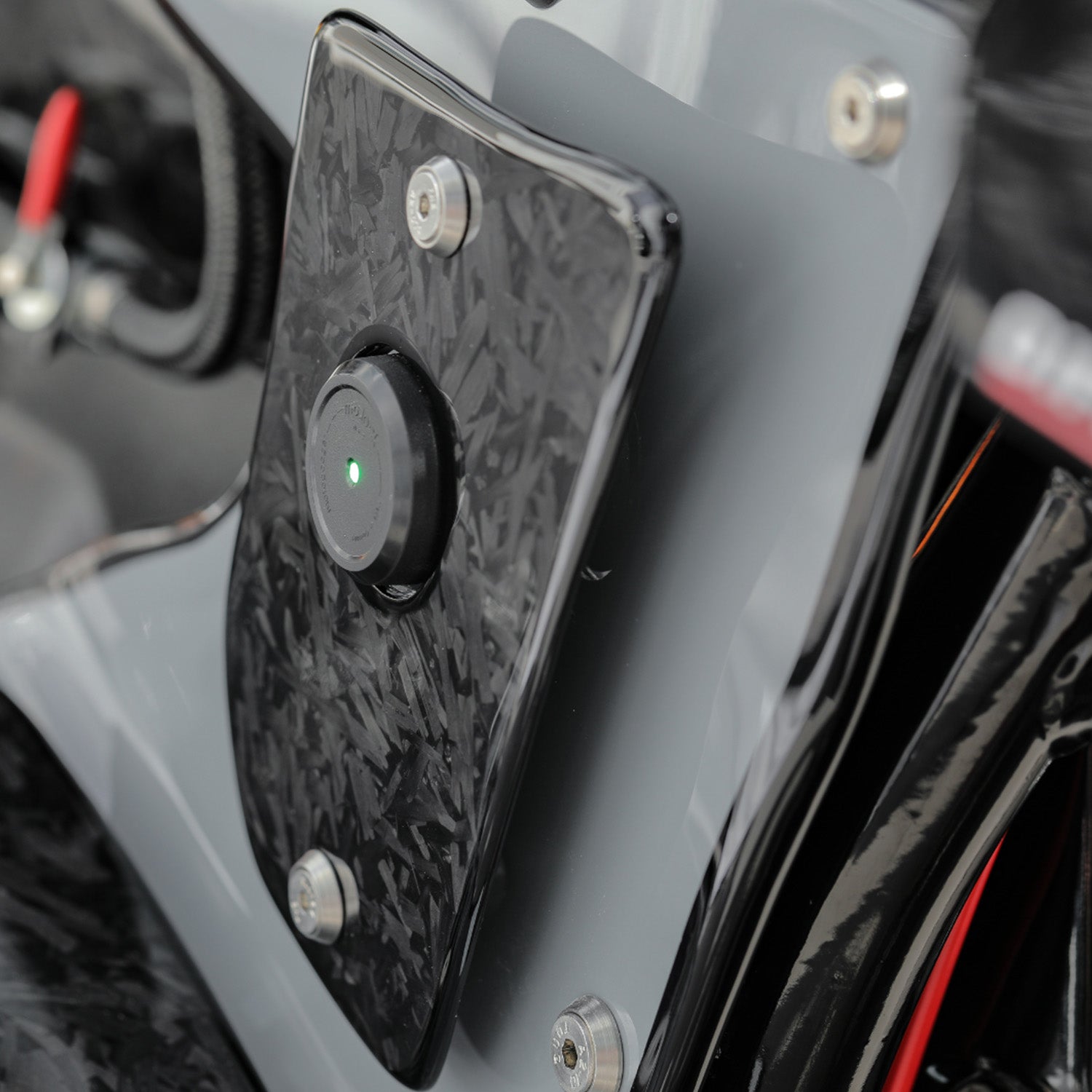


Adding a wireless charging station to your motorcycle can revolutionize the way you ride by ensuring your smartphone stays charged while you ride. With the CAYO Moto Dock, CAYO Battery Dock, and the matching Phone Dock, you can set up this convenient feature in just about 10 minutes. Here are detailed instructions for installing these systems on your motorcycle.
What you need:
- CAYO moto.dock : This is the mount that attaches to the handlebars of your motorcycle.
- CAYO battery.dock : This component connects the Moto Dock to your motorcycle's battery for a constant power supply.
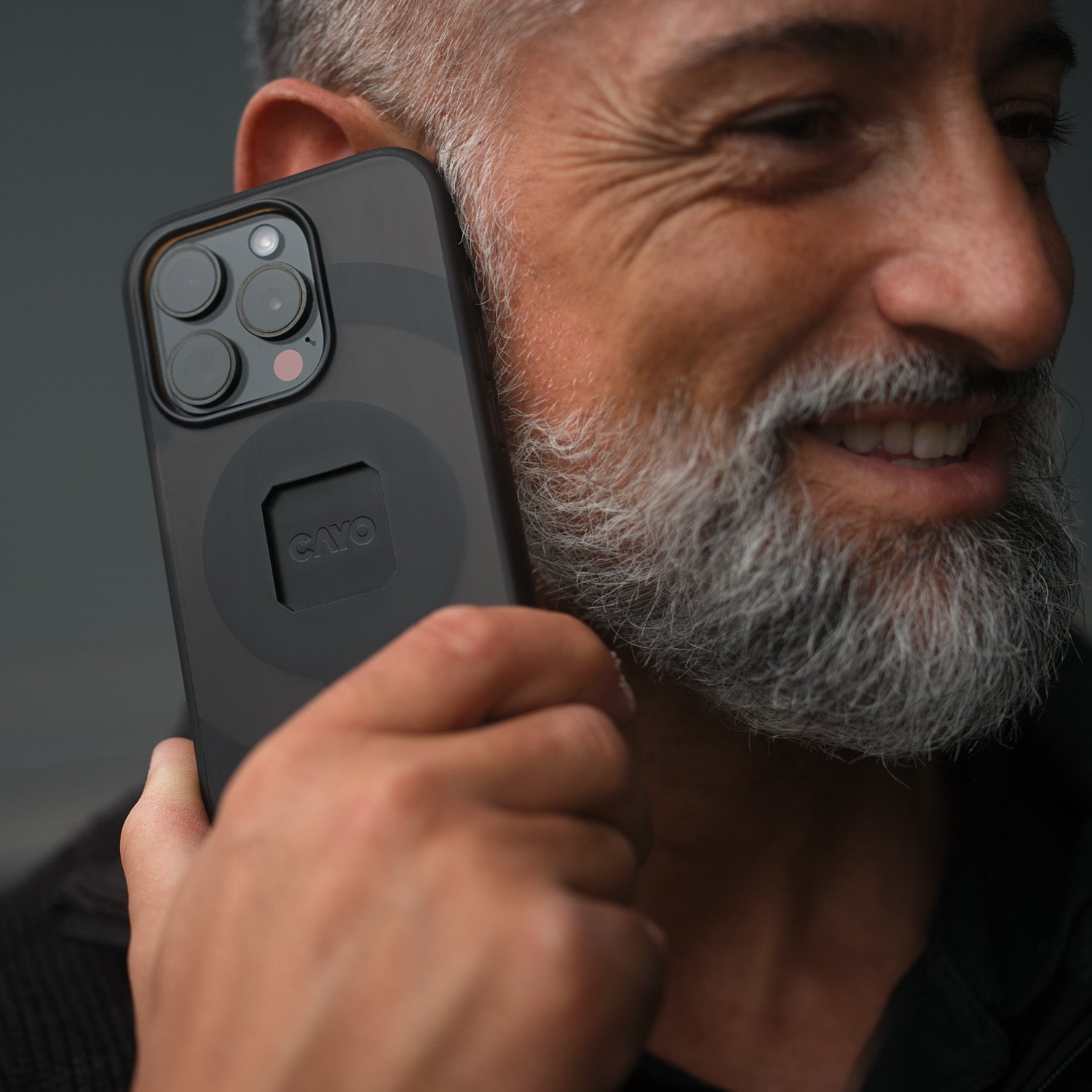
- CAYO phone.dock : Choose the dock that best suits your smartphone.
Step-by-step instructions:
Step 1: Attach the Moto Dock to the handlebar
- Choose the appropriate ring size for your handlebar.
- Clamp the Moto Dock to the handlebar using the included bolts to ensure it is secure and stable.
Step 2: Adjust the position
- Adjust the position of the mount arms to ensure your smartphone is positioned exactly where you need it while driving. This guarantees optimal visibility and accessibility.
Step 3: Connect the battery.dock to your motorcycle battery
- Lift your seat to access the battery.
- Connect the black cable of the Battery Dock to the negative terminal and the red cable to the positive terminal of your battery.
Step 4: Insert your smartphone into the phone.dock
- Carefully insert your smartphone into the CAYO Phone Dock. It's often helpful to start with the camera side.
Step 5: Check the installation
- Once everything is installed and connected, place your smartphone in the dock. The CAYO system automatically activates the power supply when it senses vibrations, such as when starting the motorcycle. This prevents the battery from being unnecessarily drained when the motorcycle is parked.
Advantages of the CAYO moto.dock:
- Secure attachment : Your smartphone remains securely fixed, even on uneven roads.
- Wireless charging : No hassle with cables while driving.
- Intelligent energy management : The system only uses the battery when the motorcycle is in operation.
Conclusion:
The CAYO moto.dock system allows you to securely and conveniently mount your smartphone on your motorcycle while simultaneously charging it. Installation is straightforward, and the advanced technology conserves battery life. This makes the CAYO system an ideal solution for motorcyclists who want to navigate, listen to music, or communicate on long rides.