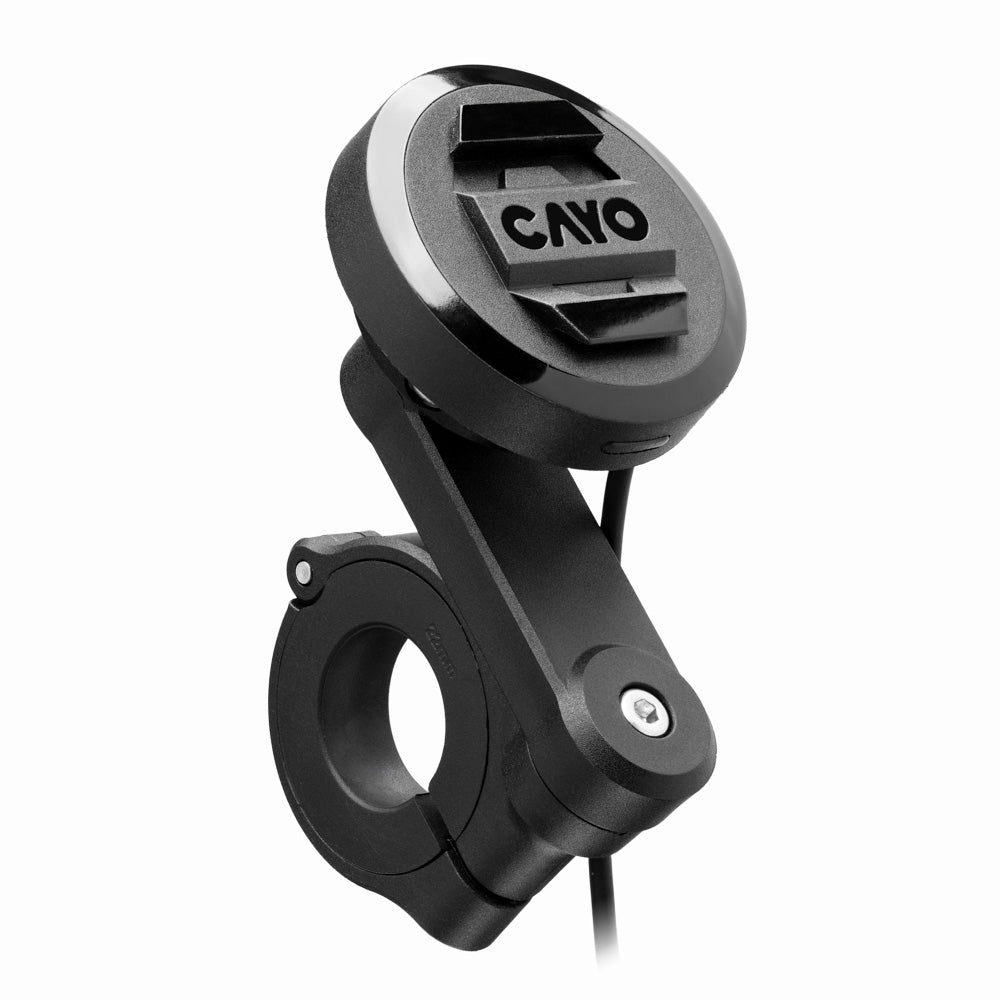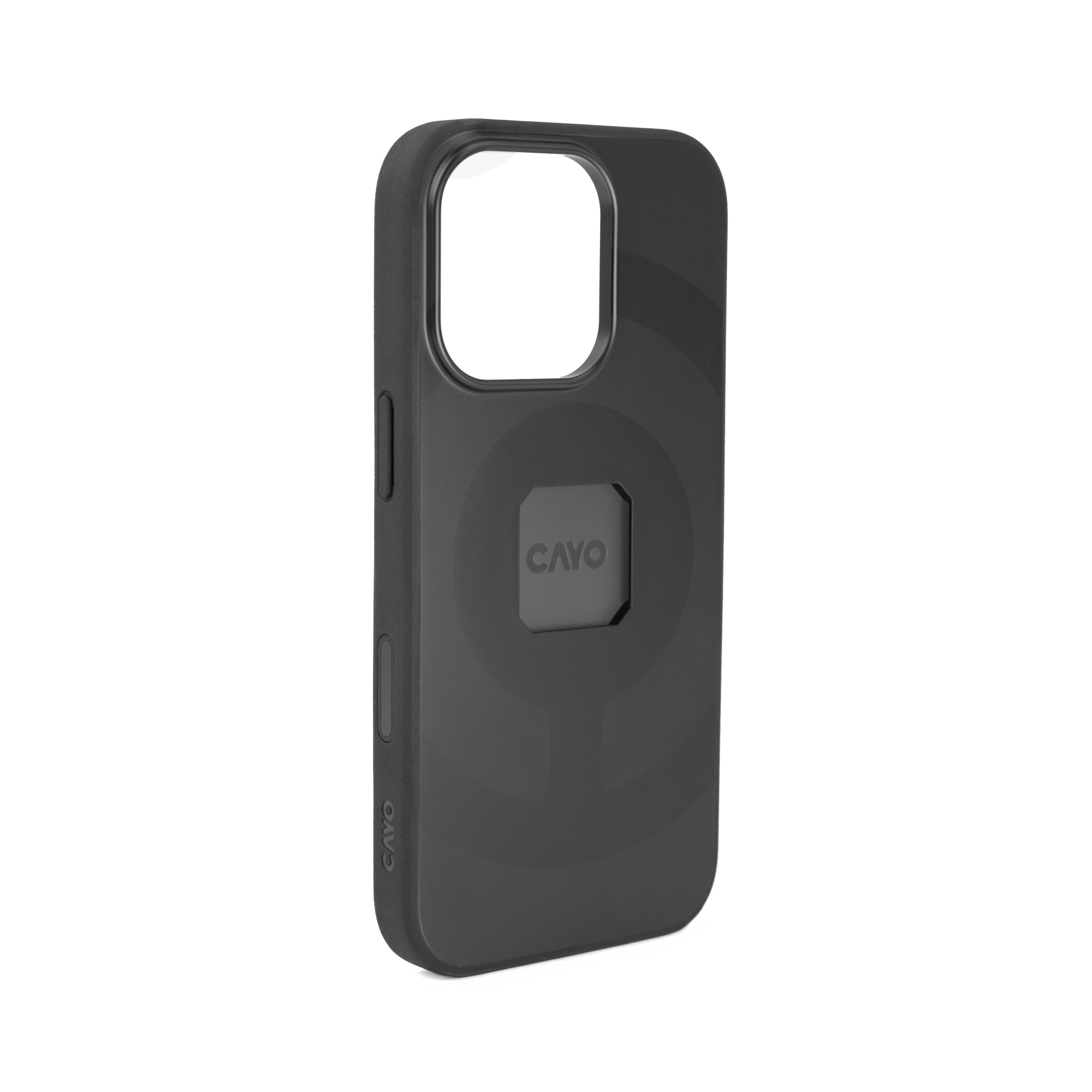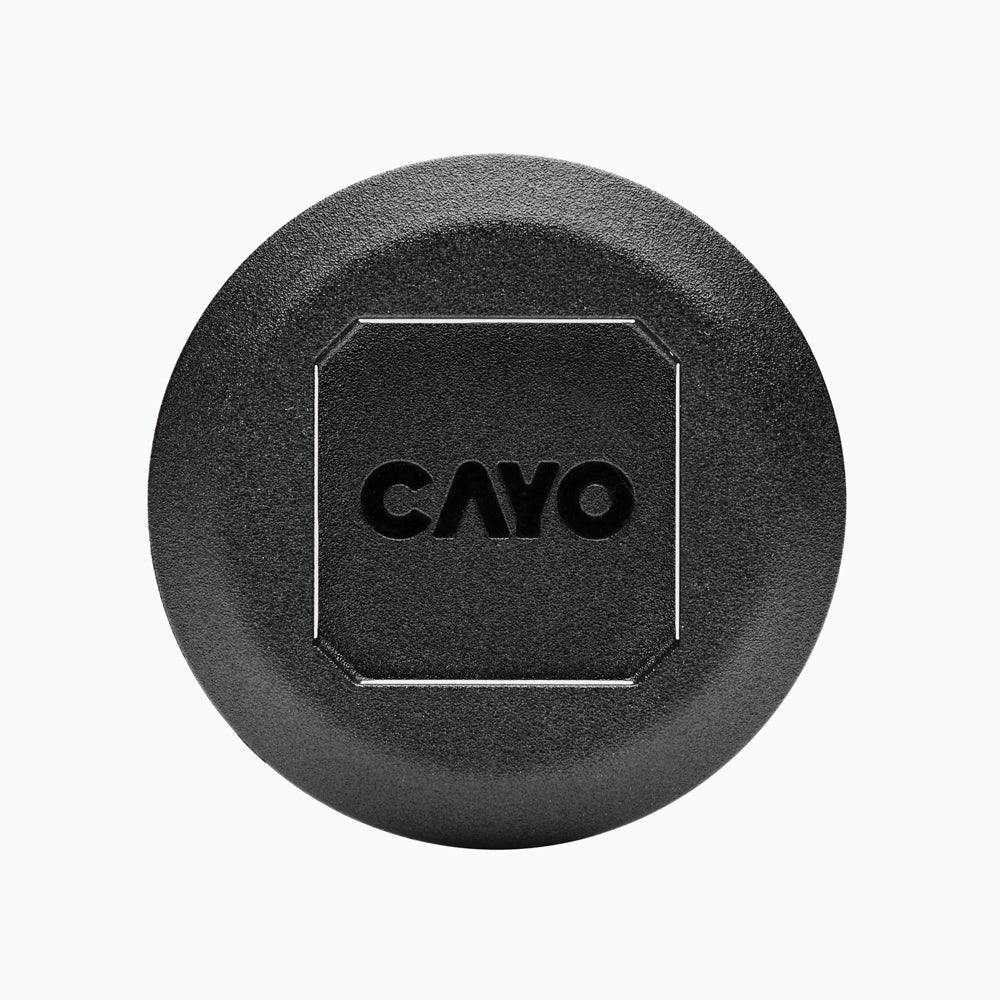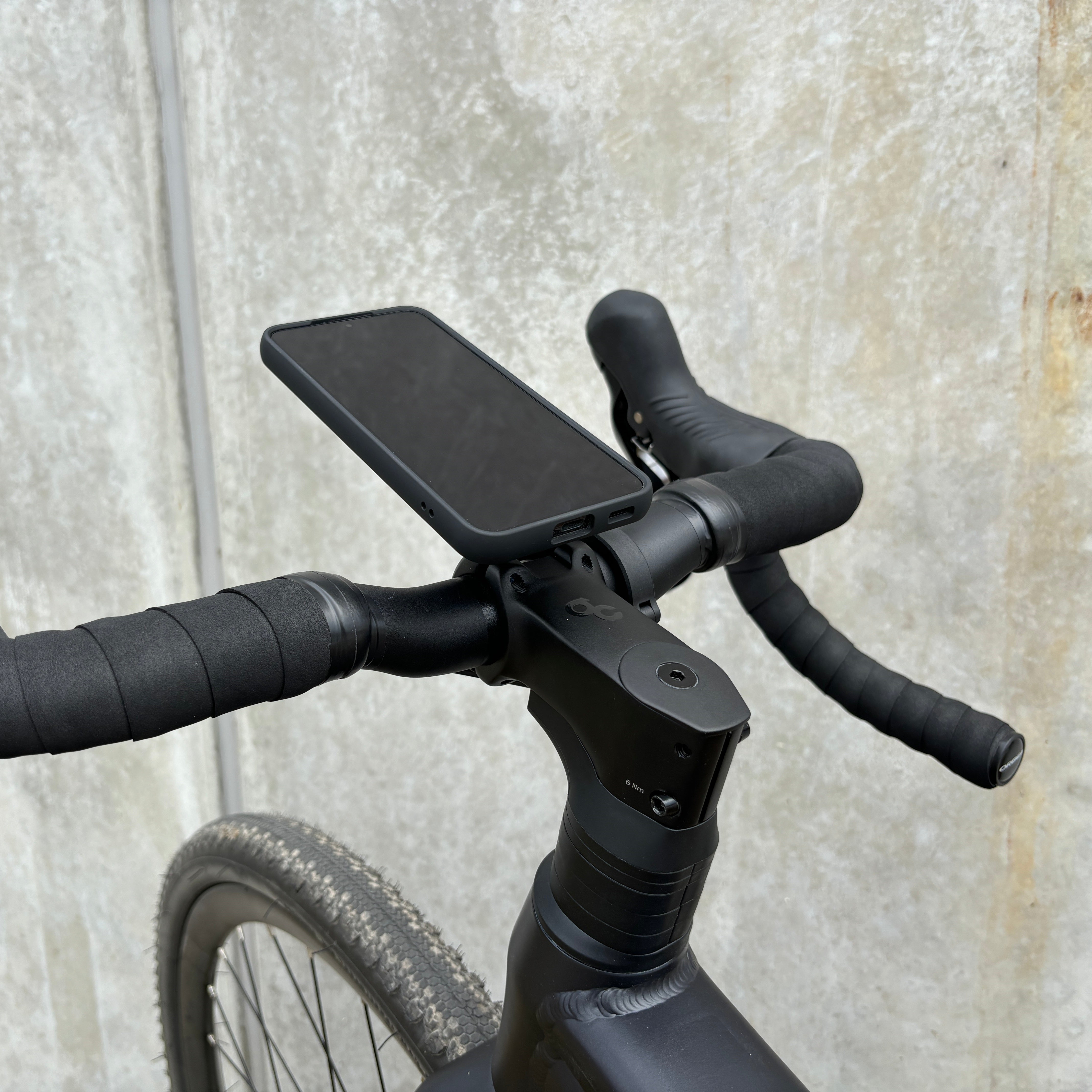


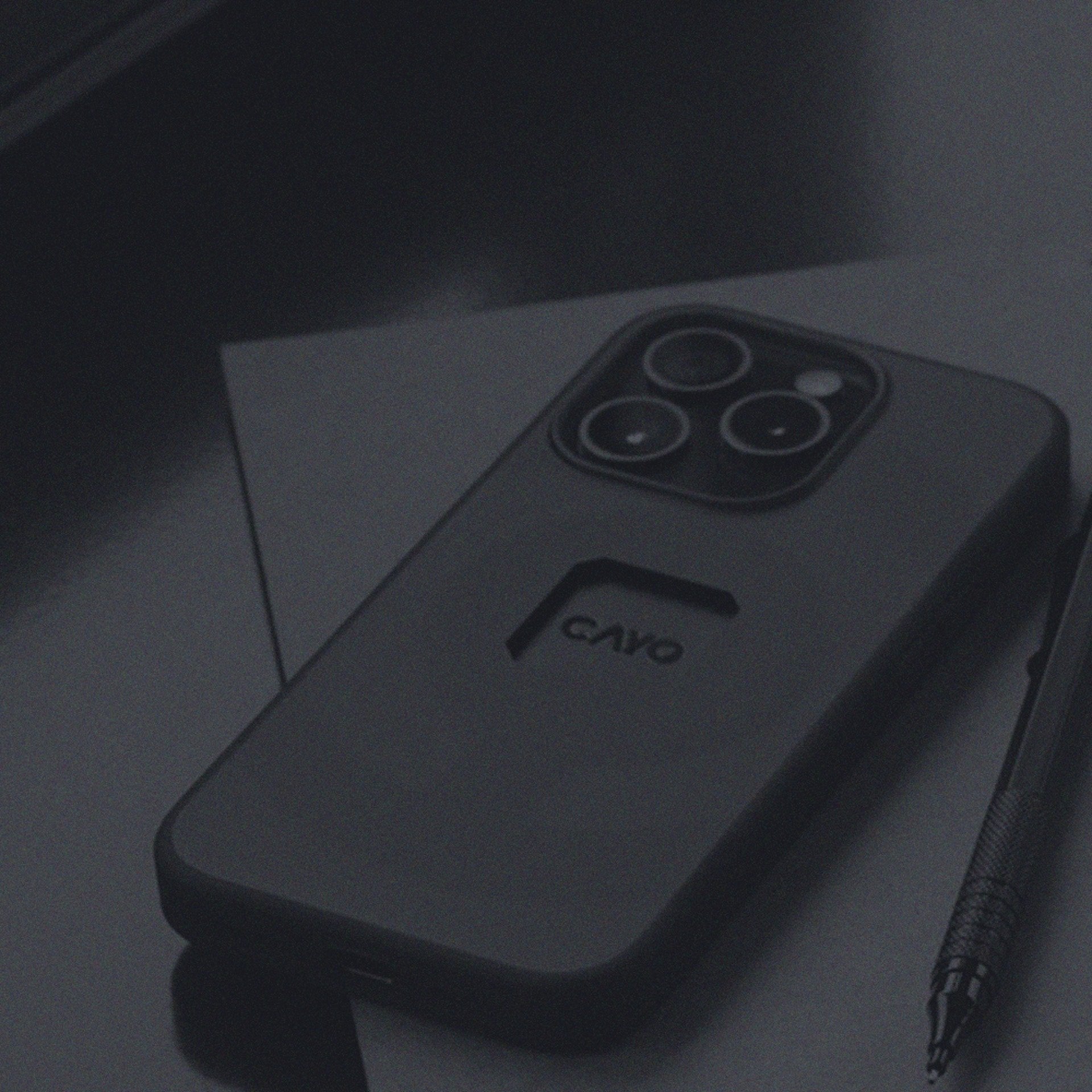
The patented locking mechanism of the moto.dokk enables lightning-fast docking of the smartphone with just one hand. No fumbling, no readjusting - the device locks into place with an audible and tactile click and remains securely in place even when driving at a sporty pace.
Inductive charging - wireless on the go
Full power without tangled cables: The moto.dokk supports inductive charging for all MagSafe-compatible devices. Simply dock and charge - directly while riding. Ideal for navigation apps, music streaming or long tours with an active display.
Vibration decoupling - protection for technology and electronics
Motorcycles generate vibrations - diemoto.dokk eliminates their effects. Thanks to integrated vibration decoupling, sensitive components in the smartphone - such as the camera or charging coil - are reliably protected. For a longer service life and trouble-free operation.
Simple connection to the vehicle electrical system
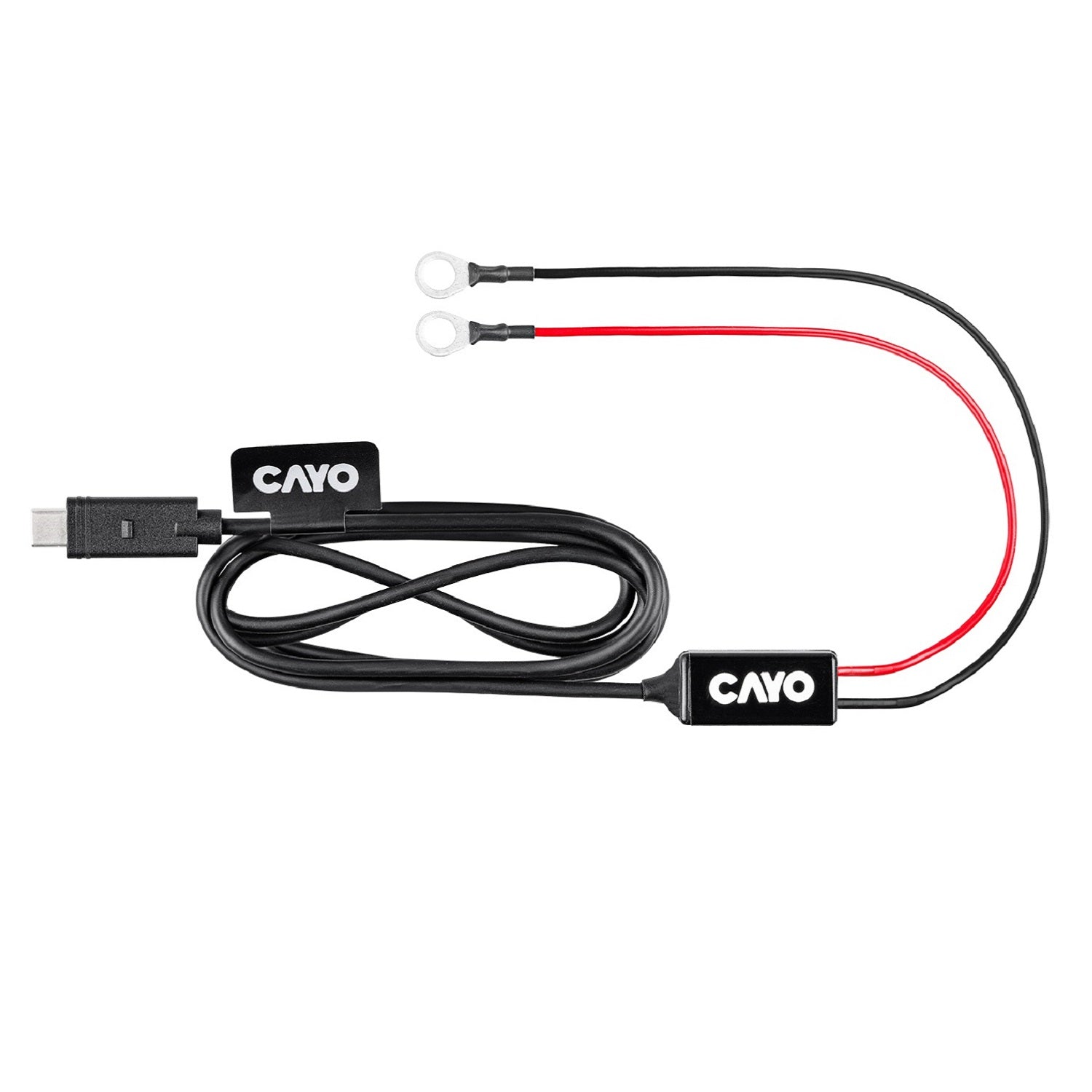
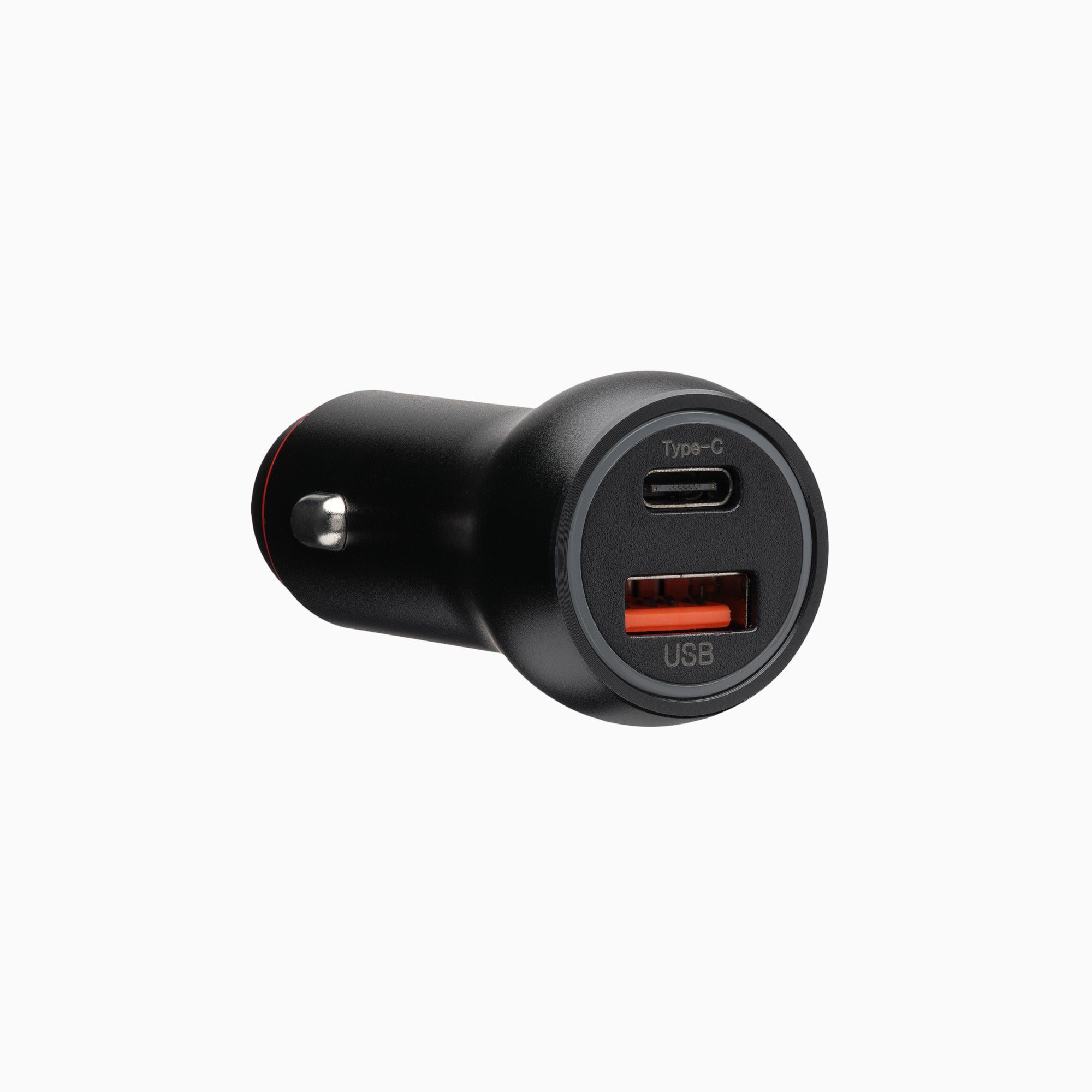
Thebattery.dokkwasspecially developed for motorcycles. It is very easy to connect directly to the vehicle battery - without having to search for the ignition positive. When inactive, the power supply is reduced so that the battery is not permanently discharged. The integrated G-sensor detects movement and only reactivates the power supply when the vehicle is started or if it is shaken. A solution from motogadget - well thought out down to the last detail.
For many years, motogadget has stood for sophisticated motorcycle accessories. The reasons for the success of the company are constant progress, concentrated engineering knowledge and the demand for the highest functionality and quality.
Produced in Berlin
motogadget deliberately develops and produces in Berlin. By strictly adhering to our high quality standards, we can assure that every product that leaves our factory is a masterpiece of German engineering and craftsmanship.
PayPal Pay Later Messaging
Step 1: Choose where to place the message
Click the button below, then hover over your page to select a location.
Step 2: Paste and save
You have copied the placement for the Product Page.
Go back to the App Embeds section, and in the PayPal Advanced Settings, paste the copied value into the
Product Page field and click the 'Save' button in the top right corner.